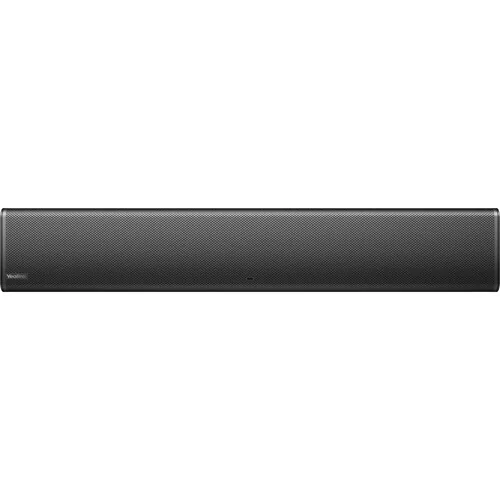
Jl. M.H. Thamrin Kav 3, Menara Thamrin, Level 3A, Jakarta 10250 +62-2139-8303-03 / +62 857 6344 7043 contact@vivoasia.com
Yealink TV-Clip Mount 1 / 2
Video Conference & Voice Recording

Yealink TV-Clip Mount

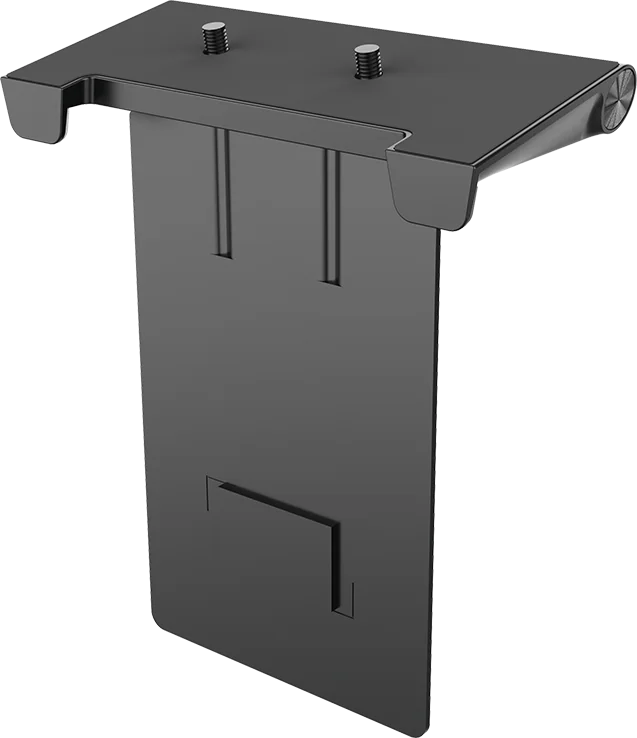
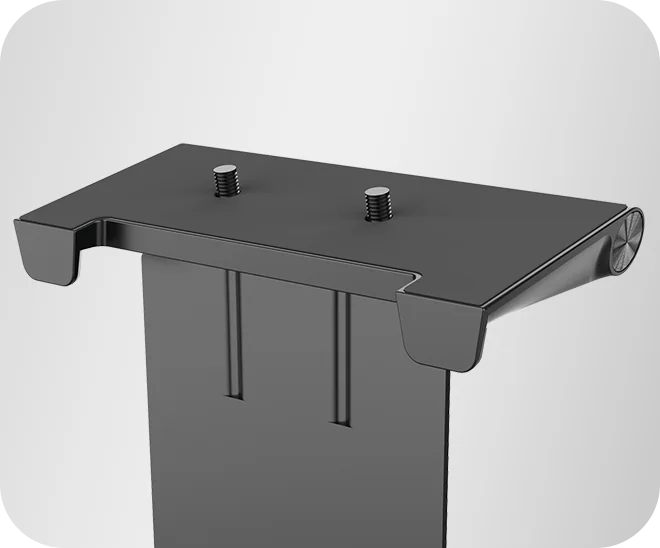
Yealink's TV-Clip Mount (330100057001), which clips a video bar to a display so nothing is drilled.

The Yealink TV-Clip Mount (part 330100057001) clamps a video bar onto a display, above or below the screen, without wall fixings. Yealink list it for SmartVision 40 and MeetingBar A40; several resellers also list it against the older UVC40, MeetingBar A20 and Meeting Eye 400.

  • Part 330100057001, adaptable to various TV thicknesses
  • Clamps to the display rather than drilling the wall
  • Positions the bar above or below the screen
SPECIFICATIONS
Part number 330100057001
Type Display clip mount for a video bar
Fixing Clamps to the display, adaptable to various TV thicknesses
Position Above or below the screen
Yealink-listed compatibility SmartVision 40, MeetingBar A40
Also reseller-listed for UVC40, MeetingBar A20, Meeting Eye 400
Description

Where the video bar sits determines how the room looks on camera, and it is decided by the bracket. A bar resting on a shelf or a cabinet points at the ceiling or at people's chests; a bar mounted properly, level with the display and centred on the room, frames the table the way it was designed to.

A clip mount solves that without touching the building. It clamps onto the display itself - top or bottom edge - and carries the bar there, so the bar is aligned with the screen by construction rather than by eye. That has three practical advantages over a wall bracket. There is no drilling, which matters in a leased office, a partition wall or a room with services behind the plasterboard. There is no separate alignment job, because the display has already been levelled. And the whole assembly moves with the display, so if the room is reorganised or the screen is replaced, the camera position is not re-engineered.

Above or below the screen is a real choice rather than a preference. Above puts the camera close to eye line when people are standing or when the display is mounted low, and it keeps the bar clear of anything placed in front of the screen. Below is often better in a room where the display is high on the wall, because a camera above a high display looks down on the table and gives the far end a view of the tops of people's heads. The rule of thumb is to get the lens as close to the seated eye line as the room allows.

Cable management is the part that gets forgotten and then looks wrong for years. A bar clipped to a display still needs power and network, and if that is not planned the room ends up with two cables hanging down the front of the screen. Where the display is wall mounted, the tidy answer is to bring the services up behind it and out at the mount, which is a decision made during installation rather than after.

Compatibility is specific: this is one part number, 330100057001, that Yealink's own site lists against SmartVision 40 and MeetingBar A40, while several resellers list the same part against the older UVC40, MeetingBar A20 and Meeting Eye 400 - most likely one mount design carried across two generations of bar rather than two different products. Either way, we confirm the mount against both the bar model actually being fitted and the display at quotation rather than assuming a fit, and we would rather establish that before the installer is standing in the room.

Features

  • No drilling. Clamps to the display, which suits leased offices, partitions and walls with services behind them.
  • Aligned by construction. The bar sits level and centred because the display already does.
  • Moves with the screen. A room change or a display replacement does not mean re-engineering the camera position.
  • Above or below. Chosen to get the lens near seated eye line rather than looking down at the table.
  • Keeps the bar clear. Nothing placed in front of the display blocks the camera.
  • Cable route planned. Services brought up behind the display, not left hanging down the front.
  • Fit confirmed first. Checked against the specific bar and the actual display before ordering.

Applications

Wherever a video bar and a display share a wall.

  • Meeting rooms with wall-mounted displays. The standard case.
  • Leased and fitted-out offices. Where drilling the wall is not permitted.
  • Rooms on trolleys. Display and bar moving together as one unit.
  • Retrofits. Adding a bar to a display already installed.
  • High-mounted displays. Where mounting the bar below is the better choice.
  • Standardised room programmes. The same mount across many identical rooms.

Support & Documents

PT Vivo Asia Teknologi Indonesia supplies collaboration and recording equipment as a fitted, working room rather than as a boxed item. Our scope typically covers:

  • Room survey: seating, sightlines, acoustics and display sizing.
  • Selection to suit the room size and the platform you already run.
  • Mounting, cabling, power and network design, including any extension runs.
  • Supply, installation, termination and commissioning.
  • Enrolment into your tenant, room resource setup and device management.
  • User handover and training, with ongoing support and maintenance.

Model availability, licensing and electrical details vary by variant and are confirmed against the current manufacturer datasheet at quotation stage. Tell us the room dimensions, the seat count and the platform you use, and we will come back with the right configuration and a full bill of materials.

Use the enquiry button above for a datasheet, a specification or a project quotation.

Related products